
The all-in-one tool that makes spelling tests easy

Google Classroom
Bring in your class list and send grades back.

Live Monitoring
See every answer as it's typed, and who's still working.

Student Feedback
Students get a short note on how to improve.

Honest Input™
Autocorrect can't spell it for them.

Paper Scan Grading
Photograph the paper tests. Get the grades back.

Whole-Class Testing
Everyone takes the test together, in the room or at home.

Voice Automated Testing
Every word and sentence, read aloud at the same pace.

Built for real classrooms
Absentees, retakes, groups, and different modes for different students.

The problem...
- Grading by hand after every test?
- Repeating words while managing behavior?
- Absent students who need a make-up test?
- Messy grades and extra admin?
- Autocorrect doing the spelling for them?
Ezergrade™ helps you solve it all
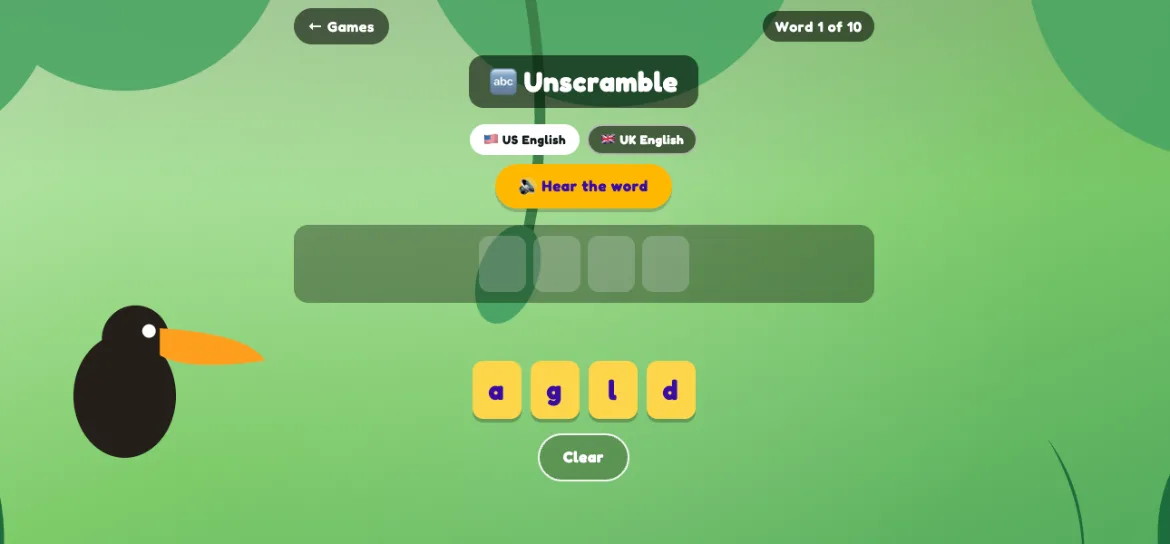
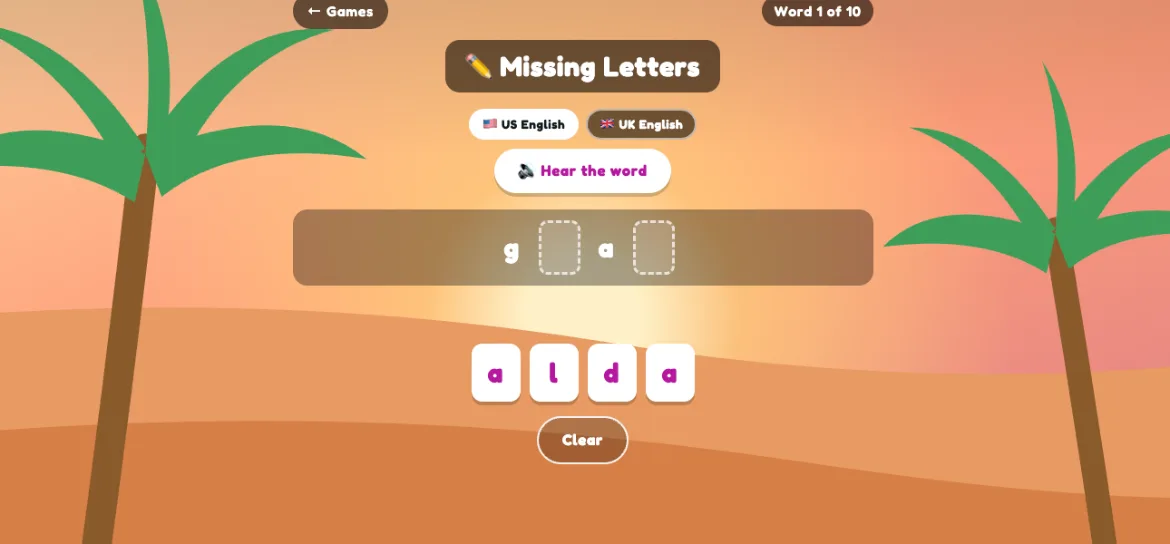
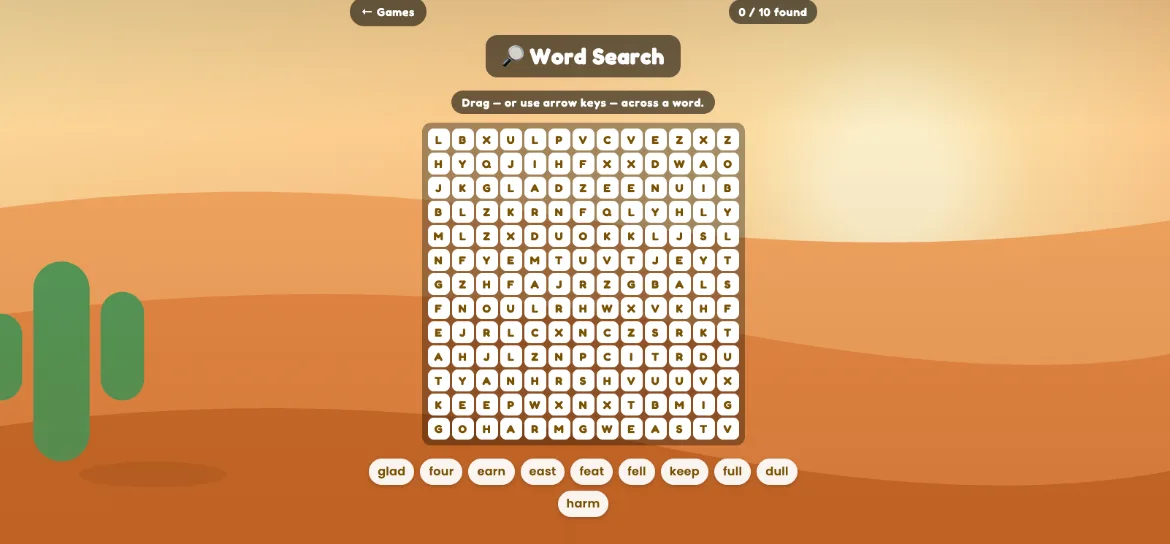
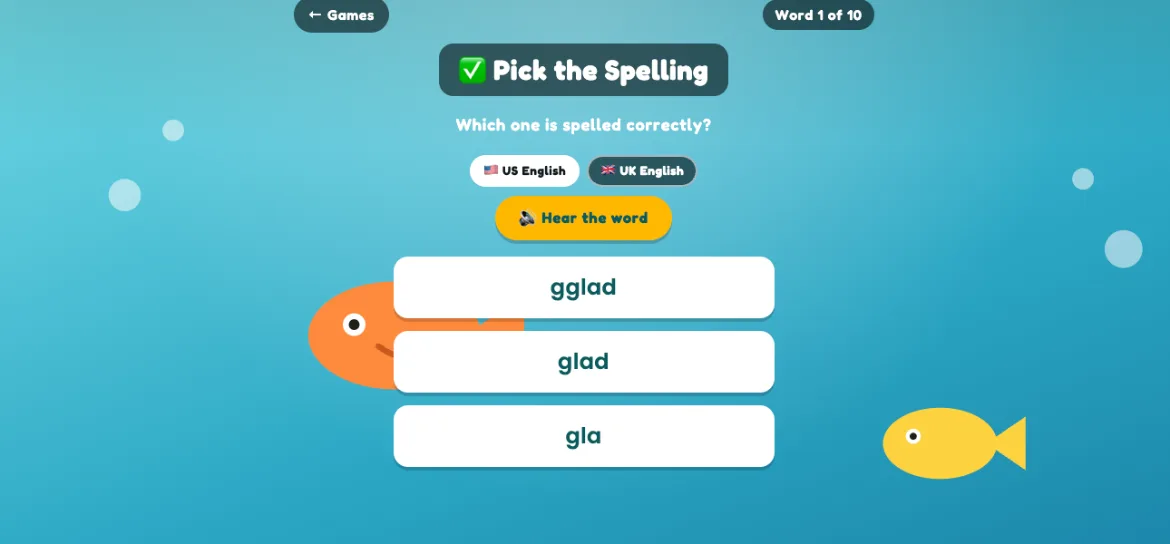
Practice with games before the test
One list. Four ways to test.
Class Test
- Upload or generate a spelling list.
- Students join with a class code.
- You run the test and watch answers come in.
Self-Paced Test
- Students join with a class code.
- Each student plays the words at their own pace.
- You still see how everyone is doing.
At-Home Practice
- Assign a test with a due date.
- Students complete it at home.
- They can redo it until the due date.
- The newest answers count.
Paper Test
- Students write answers by hand.
- You upload a photo of their answers.
- Ezergrade™ grades them and flags anything unclear.
Skip the login chaos
No student accounts needed
Meet Ezer, your AI assistant
Ezer is the assistant behind your spelling tests.
Tell her the list you want and she writes it.
After the test, she writes each student a short note on the words they missed. Stuck on anything? Ask her — she's on every page.
How Ezergrade™ compares?
| Competitor comparison | Ezergrade™Ezergrade™ | Other test appsOther spelling test apps | Practice appsSpelling practice apps | ReadingReading programs | School systemsBig school systems |
|---|---|---|---|---|---|
| Pricing | $ | $–$$ | $$–$$$ | $$$ | $$$$ |
| Paper Scan Grading | ✓ | – | – | – | Limited |
| Automated Grading | ✓ | ✓ | ✓ | ✓ | ✓ |
| Send it home with a due date | ✓ | Limited | ✓ | ✓ | ✓ |
| Practice Games On The Test's Word List | ✓ | Limited | ✓ | ✓ | Limited |
| Self Paced Spelling Testing | ✓ | ✓ | ✓ | ✓ | – |
| Join By Code — No Student Accounts | ✓ | Limited | – | – | – |
Limitedsome apps in that group have it, some don't
–not available or not advertised